How to Advertise on Instagram and Facebook: A Step-by-Step Meta Ads Guide
Boosting a post takes a few clicks; a profitable Meta campaign takes the right setup and measurement. From account structure to budget, here is how to advertise on Instagram and Facebook.

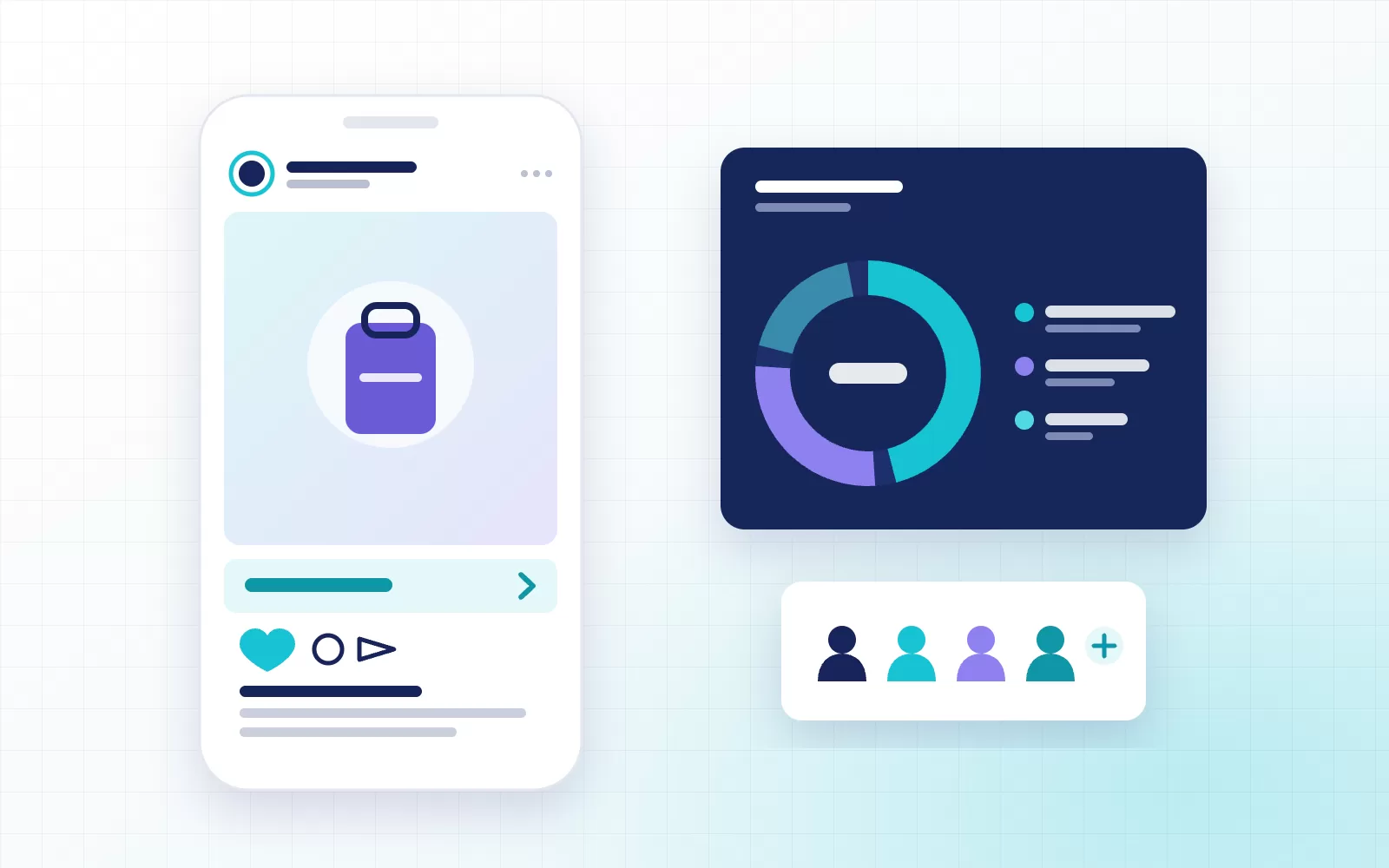
You can start to advertise on Instagram in a few minutes: boost a post, pick a budget and the ad goes live. A campaign that actually brings in sales or leads, however, needs far more than the “Boost” button. When account structure, measurement, campaign objective and creative are not set up properly, the budget gets spent quickly and the results never arrive.
In this guide we walk through the steps we follow to advertise on Instagram and Facebook, together with the mistakes we see most often. Both platforms are managed from the same place, Meta Ads Manager, so every step applies to both. For up-to-date details of each settings screen, you can also check Meta's official Business Help Center.
How does it work when you advertise on Instagram?
Meta ads run on an auction. For every impression, the system weighs your bid, the likelihood that the ad will drive the result you want from that person, and the quality of the ad. In other words, the biggest budget does not automatically win; the ad that shows the right message to the right person does. The algorithm works towards the objective you choose: with a sales objective it looks for people likely to buy, with a leads objective it looks for people likely to fill in a form.
That is why the better the signals you feed the algorithm, the better your results. Those signals come from your measurement setup.
What to prepare before you advertise on Instagram
- Meta business portfolio: Your ad account, Facebook Page, Instagram account and pixel should sit under one business portfolio, separate from any personal profile. Access for team members and agencies is granted from here, role by role.
- Professional Instagram account: Your Instagram account needs to be a business or creator account connected to your Facebook Page.
- Pixel and Conversions API: The Meta pixel sends conversions from the browser, the Conversions API sends them from your server. Running both reduces the conversions lost to browser restrictions and cookie limits. Managing the setup through Google Tag Manager lets you make later changes without touching code.
- Domain verification: Verifying your domain in the business settings is required to manage links to your site and your conversion events.
- Billing and account settings: Choose the ad account currency and time zone correctly from the start; changing them later is cumbersome and splits your reporting.
How to advertise on Instagram, step by step
1. Choose the campaign objective
When you create a new campaign in Ads Manager, you pick one of six objectives. The objective decides who the algorithm looks for, so it has to match the real goal of your business.
| Objective | When to choose it |
|---|---|
| Awareness | To introduce a new brand or product to a broad audience |
| Traffic | To bring visitors to your website or app |
| Engagement | For video views, messages or post engagement |
| Leads | To collect enquiries through forms, calls or messages |
| App promotion | For app installs and in-app actions |
| Sales | For website purchases or catalog sales |
For e-commerce brands, Advantage+ sales campaigns and catalog ads usually lead the way. For service businesses, lead ads or WhatsApp messaging ads tend to deliver results faster.
2. Set the conversion event and budget
With a sales or leads objective, you choose the event to optimize for, such as a purchase or a form submission. To exit the learning phase, the algorithm needs roughly 50 conversions per ad set per week. If your budget cannot support that, optimizing for a more frequent event (an add to cart, for example) or consolidating ad sets is the healthier choice.
Setting the budget at campaign level (Advantage+ campaign budget) shifts spend towards the best-performing ad set. A daily budget suits always-on campaigns, a lifetime budget suits campaigns with fixed dates.
3. Define your audience
On Meta you work with three types of audience:
- Custom audiences: Audiences built from your own data, such as site visitors, customer lists and Instagram engagement. They are the foundation of retargeting.
- Lookalike audiences: New people who resemble your best customers.
- Advantage+ audience: An option that treats age and interests only as suggestions and lets the algorithm expand the audience.
Once measurement is solid, we often see broad targeting outperform narrow combinations of interests. Narrow targeting slows down learning and pushes costs up.
4. Choose placements
You can choose between placements such as the Instagram feed, Stories, Reels, the Facebook feed and Audience Network. Starting with Advantage+ placements switched on and watching weak placements in your reports is usually the more efficient route. If you want the ad to appear only on Instagram, you can limit placements to Instagram manually.
5. Prepare the creative
On Meta, creative now does most of the targeting work: within the same audience, different messages reach different people.
- Produce vertical (9:16) videos and images; Reels and Stories are among the placements with the most impressions.
- Show the product or the problem within the first three seconds, and add captions on the assumption that sound is off.
- Upload several creatives that test different angles instead of a single ad: price, social proof, moment of use, problem and solution.
- For catalog ads, make sure your product feed (title, image, price, stock) is up to date.
An ad creative analysis shows which creative works and why, so new creatives are based on data rather than guesswork.
6. Launch and let the learning phase run
Results fluctuate in the first days after launch. Changing the budget sharply, narrowing the targeting or swapping creatives constantly before the learning phase ends resets the learning. Make changes every few days, and keep them controlled.
Measuring and improving after you advertise on Instagram
The results in Ads Manager are not enough on their own. By default, Meta credits itself with conversions that happen within 7 days of a click and 1 day of a view. So:
- Compare Meta reports with GA4 or your own sales data, and understand where the gap comes from.
- Check event match quality regularly in Events Manager; poor quality weakens targeting as well.
- Test creative, audience and bidding changes one at a time, and make decisions with A/B testing.
- Look at profitability, not cost: average order value, return rate and repeat purchases make the same ad cost mean very different things.
Common mistakes when you advertise on Instagram
- Using the “Boost” button with an engagement goal when the real goal is sales.
- Installing the pixel but skipping the Conversions API, so part of your conversions never reaches the reports.
- Running many small-budget ad sets, none of which ever exits the learning phase.
- Running a single creative for months while ad fatigue quietly drives costs up.
- Not declaring a special ad category for credit, employment, housing or political ads, and getting the ads rejected.
When should you get help with Meta ads?
As budgets grow, small setup mistakes turn into large losses. When measurement, campaign structure and creative testing are planned together, Meta ads become a scalable growth channel. In our Meta ads management service at The Brand Move, we handle these three areas in a single plan. If you would like us to look at your account together, get in touch.