YouTube Video Campaigns: Video Reach, Video View and What Happened to Video Action Campaigns
YouTube video campaigns now come in three subtypes: video reach, video view and ad sequence. Video action campaigns, the conversion-focused option, now run inside Demand Gen. We explain which campaign fits which goal and how to measure success.

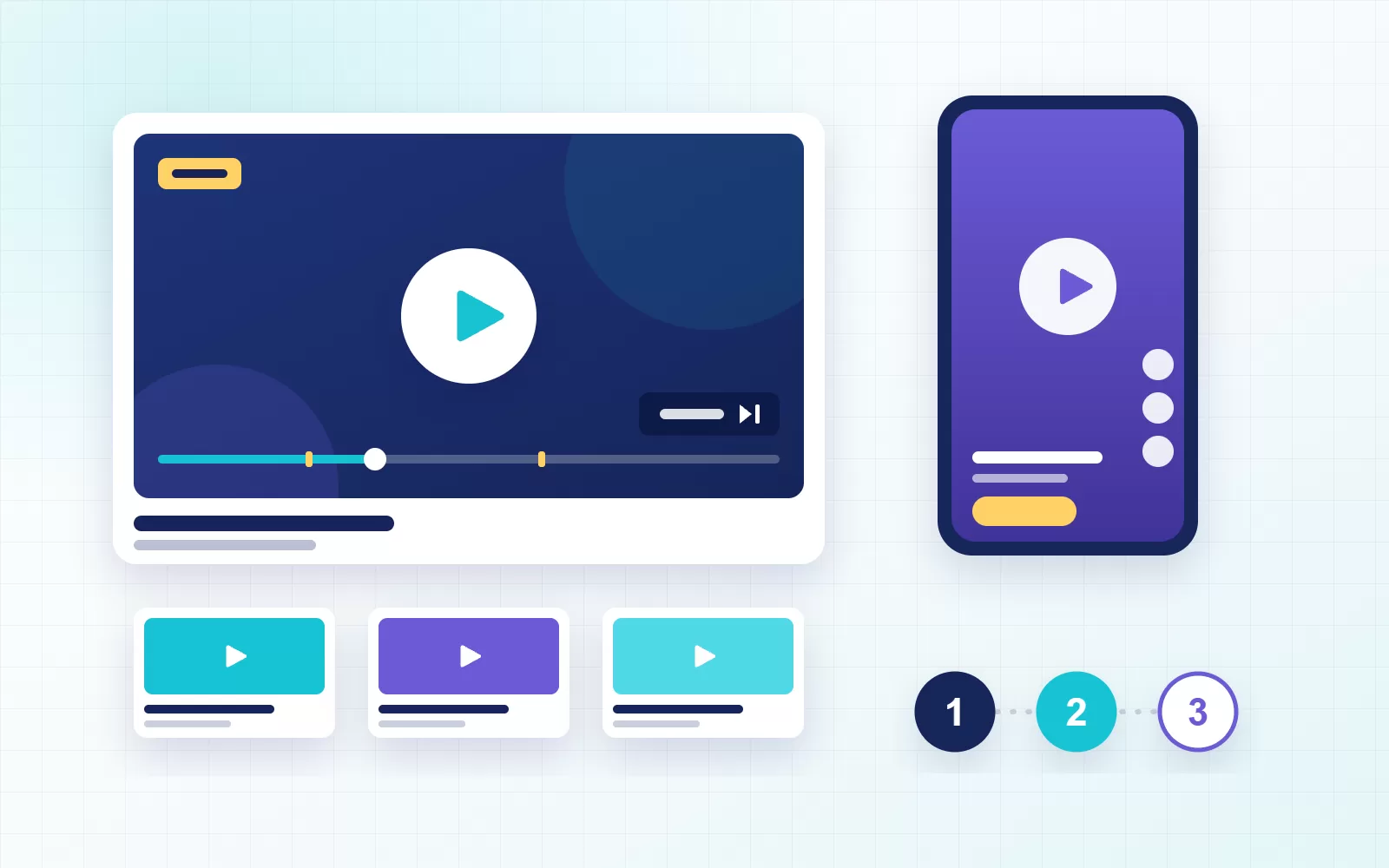
YouTube video campaigns are the Google Ads campaign type that lets you advertise on YouTube and across Google video partners. When you set them up well, they get your message in front of a large audience in a short time. However, if you pick the wrong subtype, your budget disappears quickly and the results fall short.
This campaign type has changed a lot over the past two years. First, Google moved conversion-focused video action campaigns into Demand Gen. In addition, Shorts and TV screens now take a large share of video budgets. In this guide we cover the current subtypes, when to choose each one and how to measure success.
What are YouTube video campaigns?
This campaign type shows your ad before, during or after videos, and also in search results, on the home feed and in the Shorts feed. You manage it from your Google Ads account. As a result, targeting, budgets and measurement work on the same foundation as your other Google campaigns.
The real strength of these campaigns is reach and viewing. In other words, the goal is for the right audience to see your message and remember it. If your goal is a direct conversion such as a sale or a lead form, the right place today is a Demand Gen campaign. We explain this split in more detail below.
Types of YouTube video campaigns
When you create a video campaign in Google Ads, you choose between three subtypes. Each one serves a different goal and uses a different bidding strategy.
| Subtype | Goal | Bidding | Formats |
|---|---|---|---|
| Video reach | Reach as many unique people as possible | Target CPM | Bumper, skippable and non-skippable in-stream, in-feed, Shorts |
| Video view | Get more people to watch your video | Maximum CPV | Skippable in-stream, in-feed, Shorts |
| Ad sequence | Tell a story step by step | Target CPM | Bumper, skippable and non-skippable in-stream |
Video reach campaigns
This subtype aims to reach as many unique people as your budget allows. To do that, it offers three options. First, efficient reach combines bumper and skippable ads and keeps the cost per person low. Non-skippable reach, on the other hand, makes sure people see your full 15-second message. Finally, target frequency lets you reach the same person a set number of times per week.
Video reach campaigns work especially well for launches, seasonal peaks and entering a new market. That is because the priority in these moments is to introduce your brand to many people quickly.
Video view campaigns
This campaign, in contrast, optimizes for people actually watching your ad. In most cases, Google charges you only when a viewer watches 30 seconds of the video or the whole ad. That way, you do not pay for impressions nobody cared about. For product demos, how-to videos and longer brand films, it is usually the best choice.
Ad sequence
This subtype shows several videos to the same person in an order you define. For example, a 6-second teaser comes first, then a 15-second product story, and finally the campaign message. As a result, you can tell stories that do not fit into a single video.
What happened to video action campaigns?
For a long time, Google recommended video action campaigns for driving conversions on YouTube. However, in April 2025 it stopped allowing new campaigns of this subtype. Then, during 2026, it upgraded the remaining campaigns to Demand Gen. The Google Ads Help page confirms that this move is complete.
Demand Gen does the same job in a wider space. Besides YouTube, it also shows ads on Discover and Gmail, and it lets you mix video, image and carousel formats in one campaign. For this reason, we now build sales and lead-focused YouTube ads inside Demand Gen campaigns.
Which campaign for which goal?
- Building awareness: A video reach campaign. Manage it by unique reach and frequency.
- Explaining a product: A video view campaign. Watch view rate and cost per view.
- Telling a story: An ad sequence. Order the videos based on how viewers respond.
- Driving sales or leads: Demand Gen. Finish your conversion tracking before launch.
For most brands, the best results come from running these campaigns together. First, you reach a broad audience with video reach. Next, you retarget people who watched with Demand Gen or search campaigns. In this way, YouTube becomes a channel that feeds the top of your funnel.
YouTube ad formats and lengths
- Skippable in-stream: Viewers can skip after 5 seconds, so your brand and message need to appear early.
- Non-skippable in-stream: Usually up to 15 seconds. A 30-second option also exists on TV screens.
- Bumper: Up to 6 seconds and non-skippable. It suits a single reminder message.
- In-feed: Appears with a thumbnail in search results and recommendations; it plays when the viewer clicks.
- Shorts: Vertical 9:16 ads that sit between short videos.
Still, one long film rarely works well in every format. That is why we recommend a 6-second, a 15-second and a vertical Shorts version of every film.
How to set up YouTube video campaigns
- Choose the goal: Decide whether you want reach, views or conversions.
- Prepare measurement: Link your YouTube channel to Google Ads and check your GA4 setup.
- Define the audience: Start with interests, life events and your own customer lists.
- Match the creatives: Upload videos in the length and format each subtype needs.
- Set budget and frequency: Decide up front how often the same person should see your ad.
- Watch the first two weeks: Check placements, view rate and cost, and replace weak creatives.
How to measure success
Judging these campaigns by clicks or last-click conversions is misleading. After all, most viewers watch the ad but buy days later through another channel. Instead, we recommend tracking these metrics:
- Unique reach and average frequency
- View rate and how much of the video people watched
- Cost per thousand impressions (CPM) and cost per view (CPV)
- Brand lift and search lift studies when the budget allows
- Changes in branded search and direct traffic during the campaign
When you track these metrics in the same report every month, you can clearly see how YouTube contributes to growth.
Common mistakes
- Uploading a 30-second TV spot as a skippable ad without cutting it down.
- Judging a video reach campaign by cost per conversion and switching it off.
- Showing the same ad to the same person many times a day without a frequency cap.
- Never checking unsuitable placements or content made for kids.
- Still trying to build conversion-focused ads inside a video campaign.
Conclusion
YouTube video campaigns introduce your brand to a large audience quickly when you use them for the right goal. In short, judge each subtype by its own job and leave conversions to Demand Gen. In our YouTube ads management service, we plan campaign structure, creative cuts and measurement together. To see how video fits with your other Google Ads campaigns, read our guide to advertising on Google. If you would like us to look at your account together, get in touch.